Turning an AI chatbot into a writing companion in an immersive environment.
Designer
Project Overview
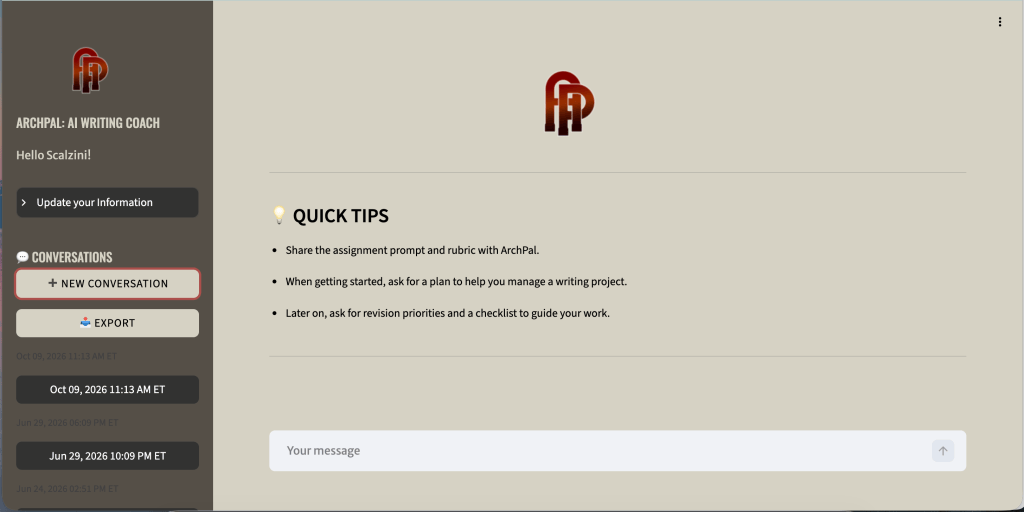
ArchPal is UGA’s very own AI Writing Companion. Built to assist students with their writing, ArchPal serves as a sounding board for students throughout the writing process, from planning and ideation to revision and final tweaks. ArchPal differs from AI chatbots as it acts as a supportive writing companion, built to encourage students as they write, not to write for them. The goal of this project was transform the ArchPal UI from a simple chatbot to an immersive environment to get students to enjoy the writing process learn throughout it.
The Problem
Although ArchPal has many different functionalities compared to regular AI chatbots, the existing UI didn’t showcase that. When I used it for the first time, I didn’t understand how it differed from ChatGPT, limiting my knowledge on its capabilities. I knew I wanted to find a way to communicate how the researchers intended students to use it throughout all stages of the writing process.
Additionally, I was tasked to turn the chatbot interface into a companion like experience, making the student feel like they are writing alongside someone. I also wanted to redesign the interface so students could differentiate ArchPal from other chatbots to encourage them to turn to ArchPal for writing help rather than traditional chatbots.
Scope & Constraints
Due to the funding timeline, I worked on this project for only a month. Although I was able to redo the UI in Figma, we still had some trouble integrating it into the project, since our project was coded in Streamlit/python rather than React.
The Process
Ideation & Planning
Before I started redesigning this project, I tested out the current prototype. At first, I didn’t understand how ArchPal was different from any other AI tool. However after I met with my PI’s I learned that ArchPal can be used in a variety of different ways at every stage of the writing process.
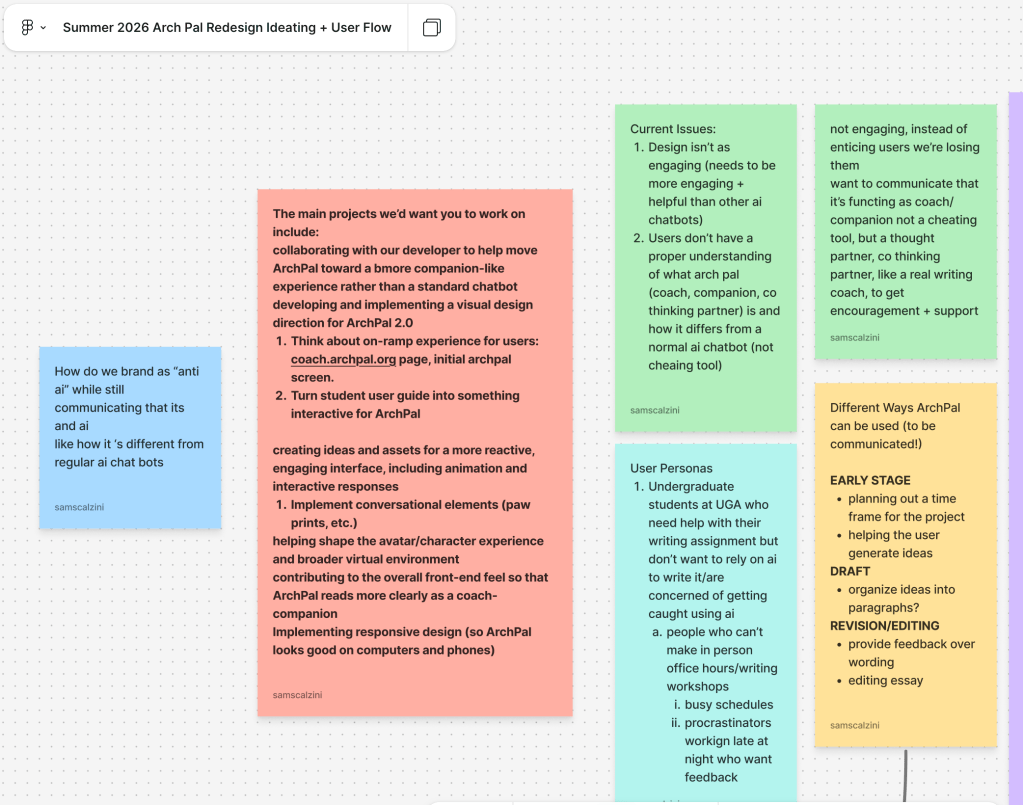
To start, I made a FigJam outlining all of these thoughts. I identified what issues the PI’s had with the current design, and the different use cases of ArchPal. I also identified what I wanted to communicate to students regarding ArchPal’s functionality, so they wouldn’t mistake it for an ordinary chatbot like I did so they can understand how it differed from a chatbot and could benefit their writing.
Low Fidelity Prototype
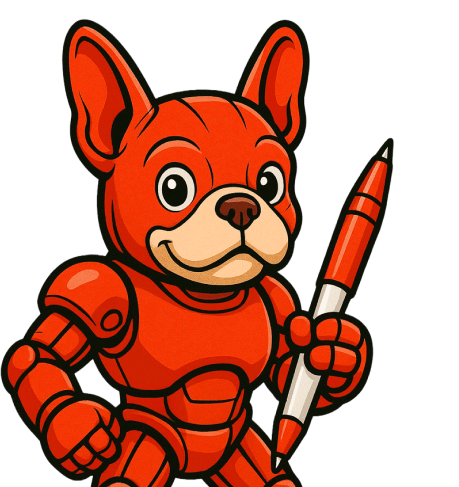
Since we already had our mascot and backgrounds for the project, I had to figure out how to put them together to create an immersive experience. I started off by sketching my ideas out of where the mascot- RoboDawg could fit into the interface design while maintaining similar design principles to existing chatbots, so users could feel comfortable using the new software.
The hardest part of this initial process was figuring out how to introduce students to the different prompts they could use ArchPal for. I grouped them into 4 categories, with accompanying pop ups on the top of the environment, that opened another sidebar with matching prompts for that given category.
Further Iteration and Improvement
On this project, I was fortunate enough to meet with an experienced graphic designer and UX professional. I showed her my designs, and she gave me a lot of feedback on them. She told me that with this design, the screen was too cluttered, especially since we were going for a more immersive environment. I culminated all of her feedback and new features into a high fidelity prototype.
Onboarding Feature
One of the main goals of the project was communicating to our users on how to best use Arch Pal to complete their assignments, distinguishing it from any other chatbot. I initially implemented this idea in a right side bar with example prompts, but it was too busy for people to understand.
Instead my team lead and I prototyped an onboarding form at the start of each chat, where the user could select what they wanted to accomplish with their writing. This lightens the cognitive load for the student, where they can simply select what stage in the writing process they’re at and what they want to accomplish with their chat. Then they can add or write in their assignment instructions, allowing ArchPal to produce an output with little to no input. We also added a “something else” option so the studnet didn’t feel constrained, but our hope is that it will trigger the user to think about how they can use ArchPal in all stages of the writing process.
Design System
To ensure whoever picks up this project where I left off can easily follow everything, I made a design system in Figma for all of the components. I included variants of each components for hover and selected states. There are also variables for all of the colors, and I learned a lot on how to use Figma’s tools to iterate designs efficiently.
Outcomes & Lessons Learned
At the end of the project, I completed a high fidelity Figma Mockup of a more immersive companion like ArchPal. I prototyped an onboarding flow for each chat and completed a design system for future members on this project.
This project taught me so much about Figma, design systems, and user experience. Although I’ve worked in the software before, after this project I’m finally proficient in autolayout, components, and variables, and I plan to apply these skills to future projects I work on.
Although I accomplished my goal of redesigning the website to enhance students’ experience, we’ve had trouble coding the designs into the project. Initially we tried to use the Figma MCP server with Claude code for our project, however since the project is coded in Python/Streamlit and not React, the process wasn’t as seamless as we’d hoped. I’d love to learn more about what I can do as a designer to help translate the Figma designs into code.